Are you considering diving into mobile app development but unsure where to start? Have you heard
about Flutter and wondered how it could benefit your project? With the rising popularity of
cross-platform frameworks, choosing the right one can significantly impact your development process
and final product. In 2022, Flutter was recognized as the most popular framework among developers,
used by 46% of the global
developer community. It continues to grow, demonstrating its effectiveness and robustness in mobile
development. To learn more about why Flutter might be the right choice for your next project,
explore our detailed blog post on the topic. Read more here!
What is Flutter?
Flutter is a reliable and inventive open-source framework developed by Google. It is designed for
building natively compiled applications across mobile, web, desktop, and embedded platforms from a
single codebase. This versatile framework utilizes the Dart programming language. It is optimized
for fast application performance across platforms.
Key aspects of Flutter include its layered architecture, which enables full customization. It
results
in highly responsive applications that can run on virtually any platform without modifying the
underlying code. Flutter’s design prioritizes a rich set of customizable widgets. It simplifies the
development process by allowing developers to build applications with a native feel on both iOS and
Android platforms.
The framework supports hot reload, a feature greatly appreciated for its ability to apply changes
instantly without restarting the application. It significantly speeds up the development cycle.
Moreover, Flutter’s comprehensive integration with popular Integrated
Development Environments (IDEs) like Android Studio and Visual Studio Code enhances its
accessibility for developers.
Flutter’s smooth performance and supportive community make it an excellent choice for developers who
want to build attractive, high-performing apps on various platforms quickly and efficiently.
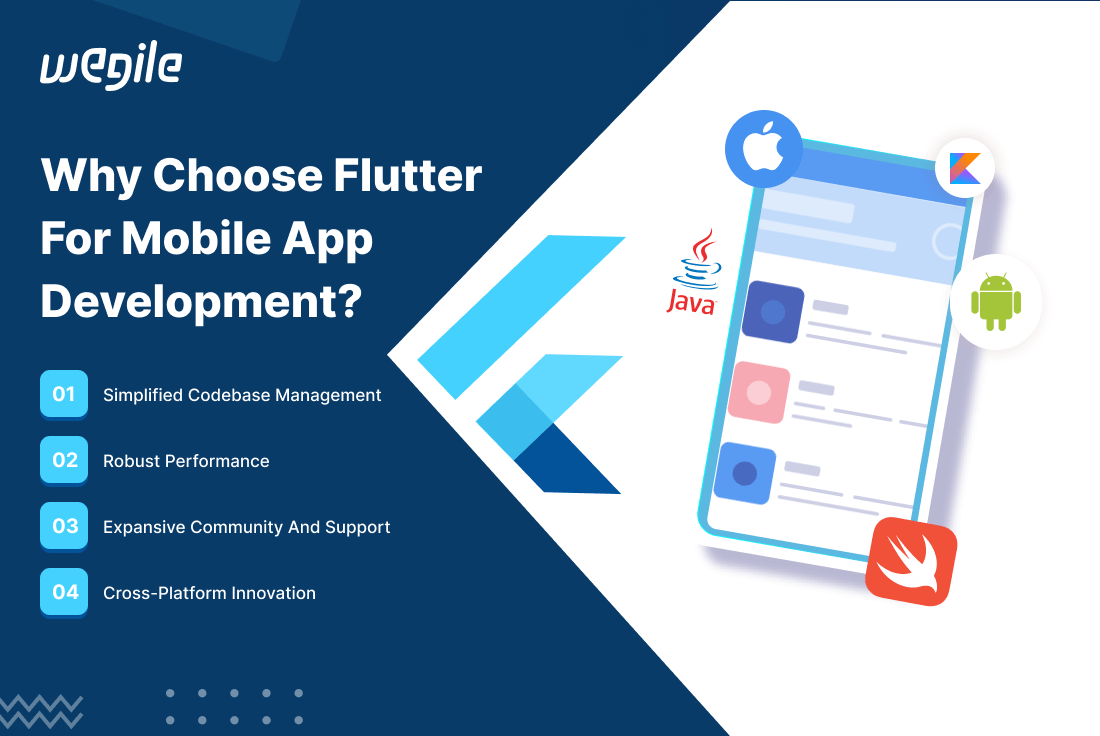
Why Choose Flutter for Mobile App Development?
Simplified Codebase Management
Flutter is considered a better alternative than its counterpart such as Electron and React Native.
Flutter’s architecture is designed to simplify the development process by allowing you to maintain a
single codebase for both iOS and Android platforms. This unified codebase reduces the complexity of
managing two separate codebases for different platforms. It saves time and significantly cuts
development costs. These factors make it a cost-effective solution for businesses looking to
maximize their investment in app development. The streamlined process means faster updates and
easier maintenance. It eventually enhances the overall efficiency of the development cycle.
Robust Performance
Flutter is renowned for its high performance, which is on par with native app development. The
framework uses Dart, a programming language optimized for fast app startup times and smooth platform
performance. Flutter’s rendering engine, Skia, ensures that UIs are rendered consistently on all
platforms without adapting the UI to individual platforms. This close-to-native performance is
crucial for apps requiring high responsiveness and smooth animations.
Expansive Community and Support
A robust and active community bolsters the growth of Flutter. With extensive documentation, a
plethora of learning resources, and continuous updates provided by Google, developers can access a
wealth of support. This ecosystem not only speeds up the problem-solving process but also enriches
the developer experience through shared knowledge and tools. The community’s size and engagement
level make it easier for developers new to Flutter to get up to speed and for seasoned developers to
stay at the cutting edge of app development.
Cross-Platform Innovation
Flutter’s capability to run on multiple platforms extends beyond mobile phones to web, desktop, and
embedded devices. This cross-platform flexibility allows businesses to deploy their applications
across various platforms using a single codebase. Whether a desktop application or a mobile app,
Flutter enables a seamless transition and consistent UX/UI across all platforms. The ability to
target multiple platforms without additional coding effort significantly broadens the potential user
base and increases the return on investment for app development projects.
How to Develop a Mobile App with Flutter:
Step-by-Step Guide
1. Setup and Configuration for Flutter
Development
-
Installing Flutter SDK
-
Go to the Flutter SDK download page on the official Flutter website. Choose the
appropriate zip file for your operating system and download it. -
Once downloaded, extract the zip file to a directory of your choice. This directory
is
where Flutter will reside, so it should be accessible and not require elevated
permissions to modify.
-
-
Update Your Path
-
You need to add the Flutter directory to your system’s PATH environment variable.
This
makes the flutter command available in your terminal. -
On macOS and Linux: Edit your shell’s profile file (~/.bashrc, ~/.bash_profile,
~/.zshrc, etc.). Add the line export
PATH=”$PATH:path_to_flutter_git_directory/flutter/bin”. Save the file and run source
~/.[profile file] to refresh your session. -
On Windows: Search for ‘Edit environment variables for your account’ in the Start
menu.
Under “User variables” find the PATH variable and click Edit. Add the full path to
flutter\bin using the New button. Click OK to close all dialog boxes.
-
-
Run Flutter Doctor
-
Open a new terminal window and execute flutter doctor. This command checks your
environment and displays a report of the status of your Flutter installation. Follow
any
suggestions to install missing components.
-
-
Configuring the IDE
-
Android Studio: Install the Flutter and Dart plugins. Open plugin
preferences (Preferences on macOS, Settings on Windows/Linux), select the Flutter
plugin, and click Install. Android Studio will prompt you to install Dart if it’s
not
already installed. -
Visual Studio Code: Install the Flutter extension from the Visual
Studio Marketplace. This extension includes support for Dart as well.
-
-
Setting Up the Emulator/Simulator
-
Android Studio: Use AVD Manager (Android Virtual Device Manager) to
create and manage Android emulators. -
VS Code: You can launch available emulators directly from the
command
palette by selecting ‘Flutter: Launch Emulator’.
-
2. Understanding Flutter Widgets in Depth
-
1. Core Principles:
-
Everything is a Widget: In Flutter, all components, from layout
models
like rows and columns to interactive elements like buttons and sliders are widgets. -
Modern Reactive Framework: Widgets in Flutter are immutable and
describe the configuration for an element. When the widget’s state changes, the
widget
rebuilds its description, which Flutter framework compares against the previous
description to determine the minimal changes needed in the UI.
-
-
2. Widget Types:
-
Stateless Widgets: These widgets are static and do not store any
state
changes. Example: Text, Icon. -
Stateful Widgets: These can dynamically change based on user
interactions or data changes. Example: Checkbox, Slider.
-
-
3. Understanding Widget Lifecycle
-
Stateful Widget Lifecycle: Includes stages like createState,
initState,
build, didUpdateWidget, setState, dispose, etc. Managing these lifecycle stages
correctly is crucial for memory management and responsive UIs.
-
3. Implementing Navigation and State Management
-
1. Advanced Navigation Techniques:
-
Named Routes: Define routes in a central location and refer to them
using their names. It helps in managing complex navigation flows. -
Dynamic Routes: Sometimes, data needs to be passed to a new screen.
This can be managed through route settings and is critical for personalized UI
experiences.
-
-
2. Comprehensive State Management:
-
Choosing a State Management Solution: The choice depends on the
app’s
complexity and the team’s familiarity with the pattern. While simpler apps might use
setState, more complex apps might require advanced solutions like Bloc or Riverpod.
-
Best
Practices in Flutter Development
Leverage Existing Plugins
Utilizing the rich ecosystem of Flutter plugins significantly enhances app development by allowing
you to integrate pre-built, tested functionalities rapidly. This approach not only accelerates the
development process but also enhances application stability and feature-richness without the need to
reinvent the wheel. Flutter plugins encapsulate platform-specific code, which can be reused across
multiple projects. It reduces the time and effort required for development. Plus, these plugins
provide access to native device features like camera, GPS, and sensors, which are not directly
available through Flutter’s core functionalities.
Follow the Flutter Style Guide
Adhering to the Flutter style guide is crucial for maintaining code quality and consistency. This
practice helps manage and scale applications more efficiently as they grow. The style guide
encourages best practices such as using consistent naming conventions, organizing code files
logically, and following effective documentation standards. By sticking to these guidelines, you
ensure that your code is clean and easier for others to read and maintain, essential for
collaborative projects and long-term maintenance.
Continuously Test and Optimize
Regular testing and optimization are fundamental to developing successful applications. Flutter
provides various testing frameworks for unit, widget, and integration tests. It promotes the early
detection and resolution of possible issues. This proactive approach prevents minor bugs from
escalating into more significant problems. It guarantees that your application performs optimally
across all target platforms. Continual performance assessments and adhering to best practices in
code health can lead to enhanced app stability and a smoother user experience.
Latest Trends in
Flutter
The landscape of Flutter app development is rapidly evolving, and several key trends are shaping its
trajectory in 2024. These trends highlight the framework’s flexibility and its increasing role in
cutting-edge technological developments:
-
1. Integration of Advanced Technologies: There is a growing trend towards
integrating artificial intelligence (AI) and machine learning (ML) within Flutter
applications.
This integration is set to power more personalized user experiences through smarter app
functionalities like predictive analytics and automated customer service. -
2. Augmented Reality (AR) Capabilities: Augmented reality is becoming more
prevalent in Flutter app development. This technology offers users more immersive and
interactive experiences. It is particularly useful in sectors like retail and entertainment,
where engaging consumer experiences are crucial. -
3. Emergence of Fuchsia OS: Google’s Fuchsia OS is
becoming
more intertwined with Flutter. It provides new opportunities for developers to build
applications on this emerging platform. This trend indicates Flutter’s strategic importance
in
Google’s broader ecosystem. -
4. Focus on Large Screens and Wearables: As the variety of device form
factors
continues to expand, Flutter is adapting to support mobile devices and large screens and
wearables. This adaptability ensures Flutter applications can provide optimal experiences on
everything from smartwatches to foldable devices. -
5. IoT Integration: Integrating the Internet of Things (IoT) with
Flutter apps is rising, enabling more connected device interactions and smarter,
context-aware
applications. This integration facilitates the development of apps that can control and
interact
with other devices. It ultimately enhances user convenience and functionality. -
6. State Restoration and Null Safety Features: Flutter is improving its
state
restoration capabilities, which are crucial for maintaining user experience during
unexpected
interruptions. Also, advancements in null safety within Dart, the programming language for
Flutter, are making applications more stable and less prone to crashes.
Wrapping Up
Flutter’s unique blend of performance, flexibility, and robust community support establishes it as a
premier framework for crafting modern mobile applications. This framework is not merely a tool for
development; it’s a gateway to enhancing your skill set in a tech landscape that values versatility
across multiple platforms. Whether you’re a startup, company, or developer beginning your journey or
an experienced professional aiming to streamline your workflow, Flutter provides the essential tools
and capabilities to efficiently and effectively bring your mobile app visions to life.
By choosing Flutter, you’re not just keeping up with current trends; you’re future-proofing your
development capabilities in a world where the ability to adapt and innovate across platforms is
invaluable. If you’re ready to build powerful, cross-platform apps that stand out, consider
partnering with Wegile, the best Flutter app development
company. Our expertise can help you fetch the full potential of Flutter, ensuring your
projects are successful and ahead of the curve.
Leave a Reply